
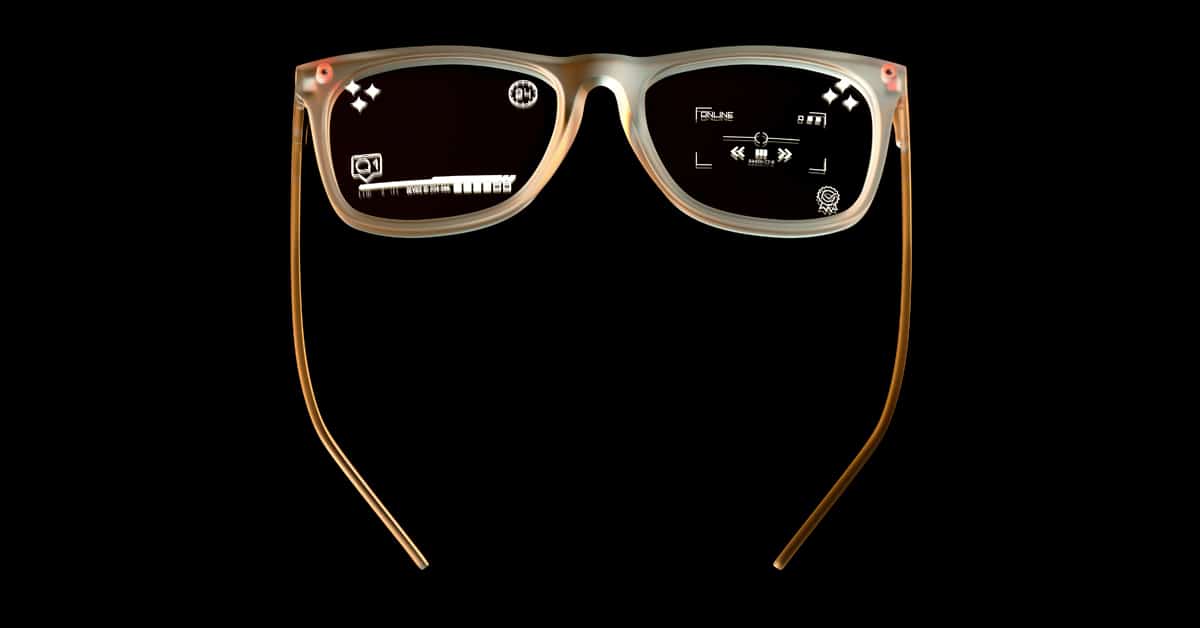
Smart glasses with camera hardware, like Ray-Ban Meta, record short photo and video clips you choose to keep, and they separately feed snapshots to an AI assistant that never land in your gallery. That split matters because the recording comes with a warning light and a time limit, while the AI’s seeing plays by different rules.
Key Takeaways
- Current Ray-Ban Meta glasses shoot 12MP photos and 3K video from a camera sitting near your eye line.
- Meta trades resolution for length, allowing longer clips at full HD than at 3K on current models.
- Frames sent to Meta AI are stored by default and may be reviewed by humans unless you opt out.
- Meta’s capture LED is tied to gallery recording and disables the camera when someone covers or tampers with it.
- Live AI sessions keep the camera continuously active, the closest current glasses get to always watching.
What Smart Glasses with a Built-In Camera Can Actually Record
Start with the part everyone pictures: a pinhole camera in the corner of the frame that shoots whatever you’re facing. For Ray-Ban Meta Gen 3, Ray-Ban’s spec sheet lists a 12MP ultrawide camera, 3K Ultra HD video at 30fps and 32GB of storage, enough for more than 100 thirty-second videos.
Every clip carries sound, picked up by a six-microphone array that Ray-Ban says records immersive audio. So the plain answer is photos, short videos and the audio around you, all shot from roughly your eye line.
That first-person angle is the whole magic trick. Your hands stay free, your phone stays in your pocket, and the footage feels like a memory rather than a production. If you’re new to the category, our breakdown of smart glasses vs AI glasses shows where camera frames sit among their cousins.
The catch is that the camera has a second job, and it never shows up in your camera roll.
Why Do Smart Glasses Only Record in Short Clips?
Because the entire camera system lives in a temple arm a few millimeters thick, running on a battery small enough to hide inside eyewear. Video is the hungriest thing these glasses do: sensor, processor and storage all work at once, and every minute costs power and makes heat in a frame resting against your head.
Meta’s own limits show the trade. Its August 2026 release notes raised the maximum clip length to 5 minutes, but only for full HD video at 30fps, on Ray-Ban Meta Gen 2 and later, Oakley Meta HSTN, Oakley Meta Vanguard and Meta Glasses.
The longer limit skips 3K entirely, which tells you exactly what’s being rationed. Each clip stops on its own and you start another, so these glasses behave like a shutter button with ambitions, not a camcorder.
For you, that means they’re brilliant for the moment your kid blows out the candles and hopeless for filming the whole party. Need an hour of continuous point-of-view footage? Buy an action camera, not eyewear.
The Gallery and the Glance: Two Jobs for One Camera
Here’s the distinction most coverage skips. A smart glasses camera does two jobs that look identical from the outside and behave completely differently: it records for your gallery, and it glances for the AI.
The gallery is what you deliberately keep. You press the capture button or say “Hey Meta, take a video,” and the clip sits on the glasses until you import it to your phone.
The glance is what the assistant needs to answer you. Ask Meta AI what plant you’re looking at or what a menu says, and the glasses grab a frame, send it off for analysis, and never drop it into your camera roll.
Meta’s wording draws the line for us. In its own FAQ on AI glasses, the company says the white capture LED blinks whenever content is being captured “for your gallery.”
A smart glasses camera has two jobs, and only one of them comes with a promise of a light.
| Camera mode | How it starts | Capture LED | Where it ends up |
|---|---|---|---|
| Photo | Capture button or “Hey Meta, take a photo” | Blinks briefly | On the glasses until you import it |
| Video clip | Press and hold, or a voice command | Blinks for the whole clip | On the glasses until you import it |
| Asking Meta AI about what you see | A question that needs the camera | Reported not to light on newer models | Stored by Meta by default, opt-out available |
| Live AI session | “Hey Meta, start live AI” | Not described on Meta’s help page | Covered by the same AI visual data setting |
Once you see both halves, “what can these glasses record?” turns into two questions: what you keep, and what the assistant sees. Most buyers only ever ask the first one.
Where Do the Frames the AI Sees Actually Go?
Gallery content is the private half. Meta says those photos and videos stay on your glasses until you choose to import them, after which they behave like any other photo on your phone.
Glances take a different road. Meta’s help page, as reported by Mixed News, says visual data from AI experiences is stored by default, may be used to improve Meta’s products, and can be reviewed by people as well as software.
A toggle called “Store visual data from AI experiences” in the Meta AI app stops new glances from being stored or reviewed. It doesn’t reach back to frames already processed, and Mixed News points out it doesn’t cover metadata such as AI-written descriptions of what was in the picture.
That’s the inversion we find genuinely fascinating. The footage you meant to keep stays closest to you, while the snapshot you barely noticed taking is the one headed for a server.
If you plan to point the assistant at anything sensitive, from a medical letter to a client’s whiteboard, check that toggle first. Our deeper look at AI glasses privacy covers the bystander side of the same deal.
Can Smart Glasses with Camera Record All the Time?
Not for your gallery. Every gallery capture starts with a button press or a voice command and ends at a hard stop.
The glance is where “all the time” starts creeping in. During a Live AI session, Meta’s help page says the camera and microphone are continuously active so the assistant can answer faster and follow what you’re seeing.
That isn’t footage you can scroll back through later. Yet it’s still a camera that stays on for as long as the session runs, and Meta says pausing the session is what switches the camera and microphone off.
For freelancers and solo consultants, this is a practical point as much as a privacy one. A long Live AI session in a client’s office is a running camera in a client’s office, whatever the app calls it.
Does the Recording Light Actually Protect the People Around You?
For deliberate filming, it does real work. Meta’s glasses disable the camera when they detect a covered or tampered LED, and Biometric Update reported that Meta wearables chief Alex Himel told Semafor fewer than one tenth of one percent of glasses sold had been tampered with.
The light was built for the gallery half, though. Biometric Update reported in September 2026 that Ray-Ban’s official FAQs say the LED doesn’t light on newer models when a wearer uses camera-based AI features, such as identifying a landmark.
The strongest objection to our framing is that the harm people actually report, from creepy street videos to filmed harassment, comes from gallery recordings rather than an assistant glancing at a menu. That’s fair, and it’s exactly why the light still matters.
But a bystander can’t tell a glance from nothing at all. The light tells you whether you’re being filmed. It can’t tell you whether you’re being analyzed.
Always-On Glasses Will Test the Whole Bargain
All of this mattered less when the glance was a single frame you asked for. It matters more now because the direction of travel is a camera that glances constantly.
In July 2026, 9to5Google relayed a Financial Times report that Meta is developing “super sensing” glasses that would capture pictures every few seconds, and that executives were planning not to activate the LED for those features. People familiar with the plans told the FT they could still change.
Nothing like that has shipped, so treat it as a direction rather than a done deal. Still, the pattern is easy to name: the gallery keeps getting longer clips, while the glance is quietly drifting toward continuous.
When you shop for smart glasses with camera features, ask two questions instead of one. How long can it record, and what does it do with everything it sees? If you’re weighing Meta’s lineup specifically, our guide to Ray-Ban Meta AI glasses walks through the models.
FAQs About Smart Glasses with Camera
We love these glasses, honestly. A first-person camera you forget you’re wearing is one of the best ideas in consumer tech in years. But recording was never the whole story. The light protects the moments you choose to keep, and the next fight is over everything the camera sees in between.



Leave A Comment