
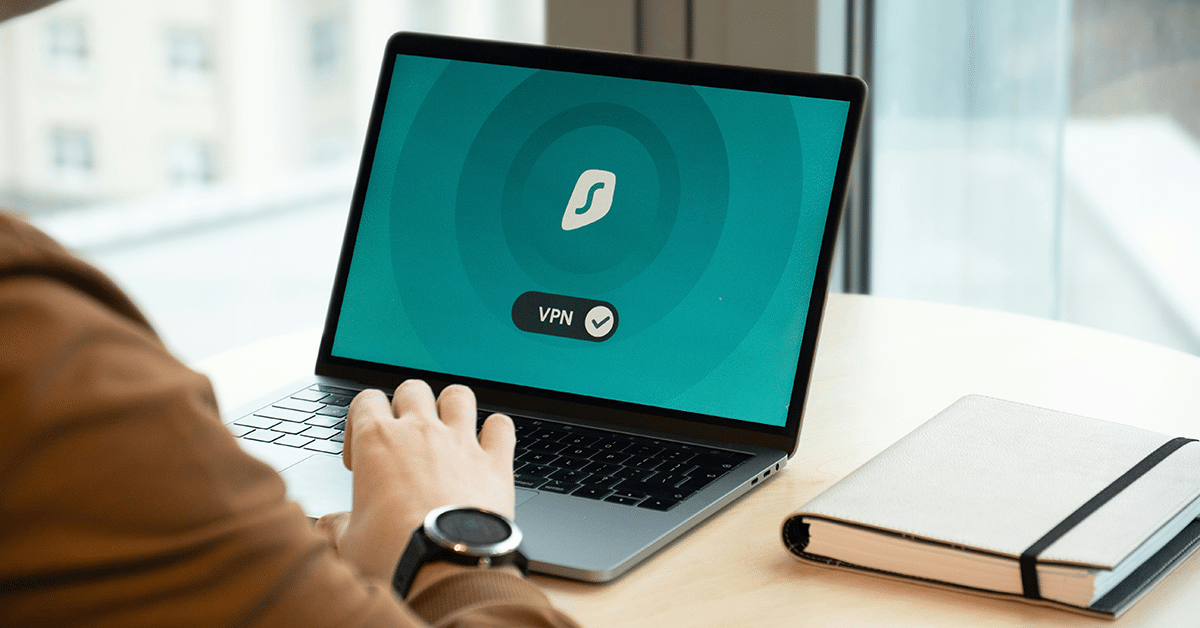
Employees no longer work exclusively from the office. They connect from home, travel between locations, and use different networks to access business applications. While this flexibility makes everyday work easier, it also creates new security challenges. A VPN helps protect data transmitted over networks by establishing an encrypted connection. For businesses, it can provide a practical way to secure remote connections and organize access to internal resources. Cloud-based VPN solutions make this approach available without requiring companies to maintain dedicated physical VPN hardware.
What is a Cloud VPN?
A cloud VPN uses a virtual server to establish encrypted network connections between users and a VPN endpoint.
When an employee connects to the VPN, their traffic is transmitted through an encrypted tunnel to the VPN server. Depending on the configuration, traffic can then be routed to internal business resources or the internet.
Unlike traditional VPN infrastructure installed on physical equipment, a cloud VPN runs in a virtual environment.
This allows businesses to deploy a VPN server without purchasing and maintaining dedicated networking hardware.
When Does a Business Need a VPN?
A VPN can be useful in several common business situations.
1. Remote and Hybrid Work
Employees working outside the office may need to access internal applications or services that should not be publicly available. A VPN can provide an encrypted connection to these resources, provided that the appropriate network routing and access permissions are configured.
2. Working on Public Networks
Employees sometimes connect through hotel, airport, or café Wi-Fi networks. A VPN encrypts traffic between the user’s device and the VPN server, helping protect information transmitted across potentially untrusted networks. However, it does not replace HTTPS, endpoint protection, or other security measures.
3. Access to Internal Business Systems
Some companies operate databases, administrative interfaces, and applications intended only for authorized employees.
Instead of exposing these systems directly to the internet, administrators can configure access through a VPN.
4. Teams Working Across Different Locations
Businesses with employees in multiple offices or countries may need a consistent approach to remote connectivity.
A cloud-hosted VPN endpoint can become part of this setup, allowing administrators to manage connections from a central environment.
Cloud VPN vs. Traditional VPN
Both cloud-based and traditional VPN solutions can establish encrypted connections. The main difference is where the VPN infrastructure operates.
A traditional VPN often relies on physical networking equipment installed in an office or company data center.
A cloud VPN runs on virtual infrastructure maintained by a cloud provider. For smaller businesses, this can reduce the need to purchase networking hardware and maintain an additional physical device.
Cloud deployment also allows companies to choose server resources and hosting locations according to their requirements. However, administrators still need to configure authentication, network access, updates, and security policies.
What Should You Consider When Choosing a Cloud VPN?
Before deploying a VPN, businesses should evaluate several factors.
1. Security Protocols
Check which VPN technologies are supported and whether they meet your security requirements. The encryption and authentication settings should follow current security recommendations.
2. Server Location
The distance between users and the VPN endpoint can influence latency. A location closer to employees or connected services may improve connection performance.
3. Performance
VPN traffic requires encryption and decryption. The server needs sufficient processing power and network capacity for the expected number of users.
4. Management
Consider how administrators will configure connections, manage access, monitor the server, and troubleshoot problems.
5. Costs
Review the pricing model, server resources, bandwidth conditions, and any additional charges.
The right configuration depends on the number of users, the applications they access, and the amount of traffic passing through the VPN.
How To Keep a Business VPN Secure
Deploying a VPN is only the beginning. Proper administration is essential for maintaining a secure environment.
Businesses should follow several basic practices:
- Use strong authentication and enable MFA where supported.
- Give employees access only to the resources they need.
- Keep VPN software and operating systems updated.
- Remove access when employees leave the company.
- Monitor connections and investigate unusual activity.
- Protect devices connecting to the VPN.
- Review firewall rules and network configurations regularly.
A VPN protects traffic along the configured connection, but it does not automatically make devices, applications, or user accounts secure. It should be one component of a broader security strategy.
Cloud VPN with Falconcloud
Falconcloud provides a cloud vpn service based on preconfigured virtual servers. Businesses can deploy VPN environments using SoftEther VPN or StrongSwan without installing the VPN software from scratch.
Falconcloud offers:
- Preconfigured Applications: Deploy a VPN server with supported software already installed.
- Cloud Infrastructure: Run the VPN on Falconcloud’s vStack platform.
- Flexible Billing: Pay for allocated server resources in 10-minute intervals.
- Control Panel: Manage cloud resources through a centralized interface.
- Multiple Locations: Select an available data center based on connectivity requirements.
SoftEther VPN configurations also provide a web interface for monitoring and adjusting server settings. This approach allows businesses to establish their own VPN environment while retaining control over its configuration and administration.
Secure connectivity matters for businesses whose employees work from different locations and regularly access internal systems. A cloud VPN can help protect network traffic, support remote access, and reduce dependence on physical VPN hardware. When choosing a solution, consider security protocols, server location, performance, administration, and ongoing maintenance. With Falconcloud, businesses can deploy a preconfigured VPN server and manage their connectivity infrastructure through the cloud.





Leave A Comment