
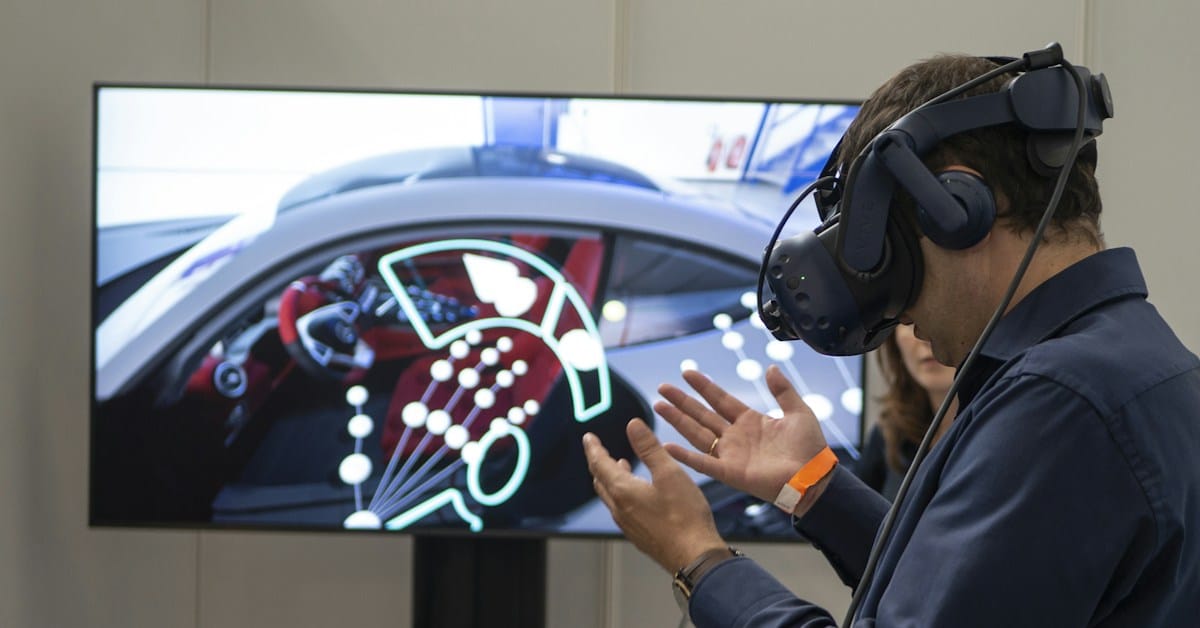
Augmented reality software is the code that lets a phone, headset or pair of glasses work out where it is in a real space, then pin digital objects there convincingly. It matters because whoever builds that understanding layer decides which apps, creators and gadgets get to exist on top of it.
Key Takeaways
- Drawing a convincing virtual object is the easy part; locating it inside a moving room is the hard part.
- Most AR apps stack three jobs: sensing the space, pinning content to it, and rendering the graphics.
- Apple, Google and Snap own the sensing layer, which lets them shape what everyone else can build.
- Meta Spark, Adobe Aero and hosted 8th Wall all shut down between January 2025 and February 2026.
- Before committing to an AR tool, check who controls its tracking and whether your projects can be exported.
What Augmented Reality Software Actually Does, and Who Makes It
Most people judge augmented reality software by what it draws: the dancing hot dog, the virtual sofa, the glowing arrow on the sidewalk. That’s like judging a driverless car by its paint job.
The drawing is the cheap part. Video games have rendered convincing 3D objects for decades, and any modern phone can do it without breaking a sweat. What no game ever had to do is figure out, dozens of times every second, exactly where a real table sits while the camera pointed at it wobbles in your hand.
So here’s the frame we’ll use throughout: augmented reality software is a seeing machine that happens to draw.
You’ve almost certainly used one. Snapchat’s camera is AR software most people never think of as AR, and Snap reported its Lenses were used 8 billion times per day at the end of 2025. Every one of those face filters starts by finding your eyes, jaw and nose before a single sparkle appears.
That order of operations, seeing before showing, explains who makes this software and why so many of the creation tools you’ve heard of keep vanishing.
How Does Augmented Reality Software Know Where Your Floor Is?
Strip any AR app down and you’ll find three jobs stacked on top of each other. We call them See, Pin and Paint, and the order matters more than the names.
See is the perception layer. Apple’s ARKit uses a technique it calls visual inertial odometry (blending camera images with motion sensor readings), tracking how distinctive spots in the scene shift between video frames to work out where the phone is and which way it points. Add a depth sensor like the LiDAR scanner on Pro model iPhones and the software can rebuild your room as a rough 3D mesh.
Pin is the memory layer. Once the software knows where it is, it has to attach content to a spot and keep it there when you walk away, come back, or hand the phone to a friend. At city scale this gets serious: Google’s Geospatial API matches your camera view against Street View imagery, drawing on what Google calls nearly 15 years of understanding the world through Google Maps.
Older apps sidestepped the problem by pinning content to a printed image, the classic approach behind augmented reality markers, which works brilliantly on a cereal box and not at all on a mountainside.
Paint is the part you actually see: lighting, shadows, occlusion (real objects hiding virtual ones) and the 3D models themselves. It’s the most visible layer and, technically, the most solved.
Here’s what changes how you judge any AR app. When a virtual chair drifts across the floor or a filter slides off someone’s face, that’s almost never a Paint failure; it’s See or Pin losing its grip on reality.
Who Makes Augmented Reality Software?
Map the See, Pin, Paint stack onto real companies and a pattern jumps out. The seeing is owned by a handful of platform giants, while the painting is open to almost everyone.
| Layer | What it does | Who makes it | Where you meet it |
|---|---|---|---|
| See | Tracks the device, surfaces, faces and hands | Apple (ARKit), Google (ARCore), Meta (Quest), Snap | Every AR app on your phone, headset or glasses |
| Pin | Anchors content to places so it stays put and can be shared | Google (Geospatial API), Niantic Spatial (VPS), Apple (location anchors) | Google Maps Live View, location based games |
| Paint | Renders 3D models, lighting and interaction | Unity, Unreal Engine, Snap’s Lens Studio, Apple’s Reality Composer | The objects, effects and games themselves |
The Paint row is where things get revealing. Unity, the game engine plenty of AR studios build with, doesn’t do its own seeing on phones: its AR Foundation toolkit relies on platform implementations such as ARCore on Android and ARKit on iOS.
In other words, even a giant independent toolmaker rents its eyes from Apple and Google. That’s the quiet rule running through this whole market: whoever owns the eyes sets the terms.
For you, this means the brand on the app is rarely the company doing the hardest work. IKEA Place, one of the first apps built on ARKit back in 2017, sees your living room with Apple’s code, not IKEA’s.
Why Do AR Creation Tools Keep Shutting Down?
If you only watch the Paint layer, the last two years look like a bloodbath. Meta chose to shut down Meta Spark on January 14, 2025, taking third party Instagram and Facebook effects with it, and Adobe discontinued Aero on November 6, 2025.
Then came 8th Wall, the much admired WebAR platform from Niantic. Its hosted service, cloud editor and Studio went dark on February 28, 2026, and the code moved to an open source project.
Read the fine print, though, and it tells the whole story. Niantic released the engine framework under the MIT license but kept SLAM (the part that maps a space and tracks the camera within it) out of the open code, offering it only as a closed binary.
They gave away the paintbrush and kept the eyes.
None of this means AR is dying. It means tools that only Paint are easy to build, easy to copy and, when a parent company changes priorities, easy to switch off, while the See and Pin layers are expensive to build and hard to replace.
Isn’t the Content What People Actually Pay For?
Fair objection. Nobody downloads an app to admire its plane detection; they come for the dinosaur in the living room, and the artists who build those moments deserve the credit.
Snap’s own numbers make the case. In its fourth quarter 2025 results, Snap said more than 450,000 developers had built over 5 million Lenses, an enormous creative economy running on its tools.
But look where those Lenses live: inside Snap’s camera, on Snap’s tracking, distributed by Snap. Creators own their ideas, and the platform owns the ground they stand on.
Snap reads the situation the same way, which is why it’s building the whole stack itself. Its standalone Specs glasses opened for preorder at $2,195 in June 2026, running Snap OS on Snap’s own hardware, so its Lenses don’t depend on anyone else’s eyes. That’s the jump from AI glasses to AR glasses in a nutshell: a display that needs the full See, Pin, Paint stack, not just a camera and a microphone.
So the objection holds, up to a point. Content is why people show up; perception decides whether that content keeps a home.
The One Question to Ask Before You Pick an AR Tool
Whether you’re a brand manager planning a campaign or a freelancer selling AR effects to clients, the useful question isn’t what a tool can draw. It’s who controls its eyes, and what happens to your work if they lose interest.
Building on Lens Studio, ARKit or ARCore means riding a platform owner’s tracking, and platform owners have kept those kits alive far longer than most standalone creator apps. Picking a no code augmented reality builder can be faster and cheaper, but check whether it exports standard 3D files and whether its tracking is its own or borrowed.
Adobe Aero users learned this the hard way: according to Adobe’s end of support notice, Aero scenes stopped working for authors and viewers alike after December 3, 2025.
The longest lived bet is the seeing layer itself. Niantic Spatial, spun out of the Pokémon GO maker in 2025, now pitches its visual positioning system for robots and field technicians as much as for gamers, a sign that software which understands physical space has customers far beyond face filters.
That’s why the foundations matter more now than they did when AR meant a phone held at arm’s length. The same seeing software that keeps a Snapchat dog ear on your head is what lets glasses and robots understand a room, and the companies building it are playing a much longer game than the filters suggest.
Jargon Translator
SLAM: Short for simultaneous localization and mapping. The software builds a map of a space while working out where the device sits inside that map, a chicken and egg problem it solves continuously.
Visual inertial odometry: Apple’s name for blending camera footage with motion sensor data to track movement. The camera spots landmarks, and the sensors fill the gaps when the view blurs or the scene goes bland.
Visual positioning system: Software that works out your exact location and heading by matching what your camera sees against a stored 3D map, far more precise than GPS on a crowded city street.
Anchor: A saved point in real space where digital content is pinned. Good anchors keep a virtual object exactly where you left it when you walk away and come back later.
FAQs About Augmented Reality Software
We love the dancing hot dogs as much as anyone. But the real story of augmented reality software is happening underneath, in code that teaches machines to understand a room. Back the companies building eyes, treat the paintbrushes as rentals, and you’ll read every AR launch more clearly than the press release wants you to.





Leave A Comment