
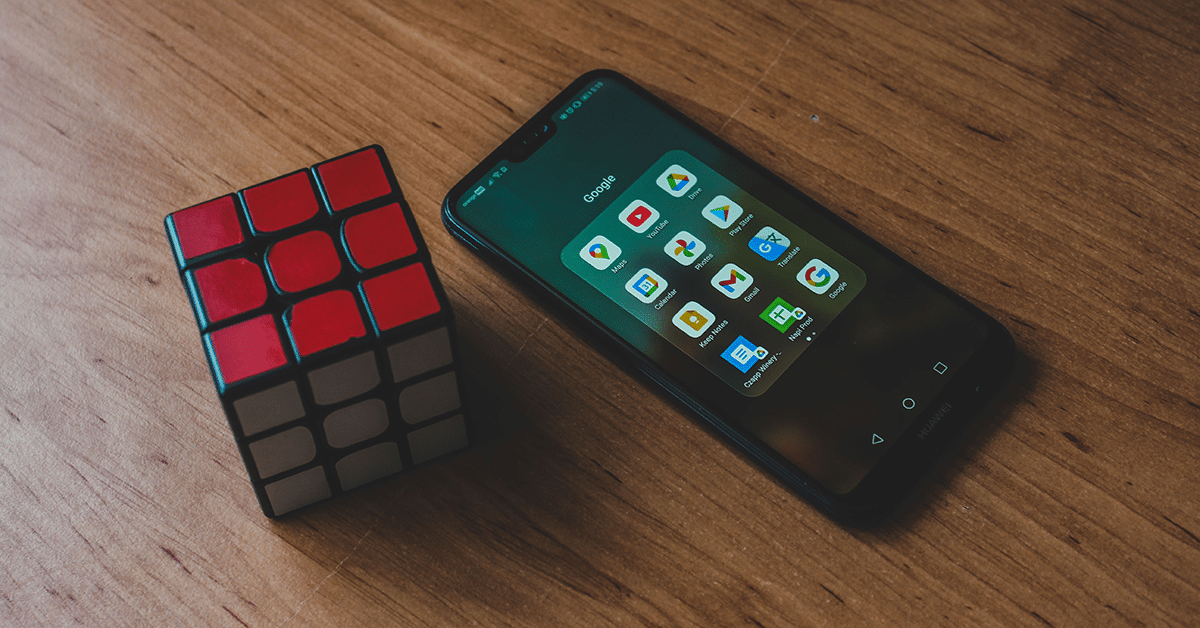
The realm of virtual phone reality has evolved. Large tech companies nowadays make expensive, standalone devices like the Meta Quest. This means that an extensive collection of old mobile VR applications is preserved and frozen in time. If you attempt to download older apps like Vanguard V, InCell VR, or Fulldive VR onto a brand-new storefront device, the updated system software will stop them from opening. Additionally, motion sensors on modern handsets can cause the apps’ virtual screens to shake or turn completely black.
But you can still make these applications work by treating this as an old-school, fun test. If you dig an old Android phone out from a drawer, you will be able to beat these modern glitches. Legacy devices let you use the same software that sparked the entire VR trend. Take your old phone out, clear some space for storage, and follow this guide to revive traditional VR on phone setups at no cost.
How to Prepare Your Old Android Phone for VR
Before you turn on your old mobile, it is easy to prepare it for VR using these three simple steps:
- Switch on Airplane Mode. Turning off network connections will prevent messages and notifications from freezing the screen and causing excessive lag.
- Increase the brightness of your display. Mobile plastic VR lenses cause things to appear dim, so you should max out your brightness to get the most vibrant colors.
- Clear your phone’s cache. Remove junk files from system memory to free up space and allow your hardware to run 3D graphics more quickly.
5 Best Free Android VR Apps to Try on Your Old Phone
Discover five free Android VR apps that transform an old smartphone into an immersive virtual reality device, offering games, virtual tours, and interactive experiences without expensive hardware.
1. Sites in VR
If you’re a person who likes to look at beautiful locations instead of playing games, Sites in VR offers a dazzling experience. This application lets you gaze at 3D images of iconic landmarks, the Pyramids of Egypt, outer space, and towering structures. It allows you to examine the littlest details of old stone walls as if you were standing right there in the past.
The greatest feature of this application is that you can alter the settings on your screen. It lets you adjust the lens settings on any plastic or cardboard holder you have, preventing the image from appearing blurred or distorted. Similar to the college students who rely on specialized homework platforms like DoMyEssay.com to quickly handle their school writing assignments, this app uses pre-built code files to improve performance, thereby keeping your phone’s CPU from slowing down. With the hardware running efficiently, flat photos are transformed into gigantic 3D scenes, earning Sites in VR a place among the best VR apps Android offers.
2. Fulldive VR
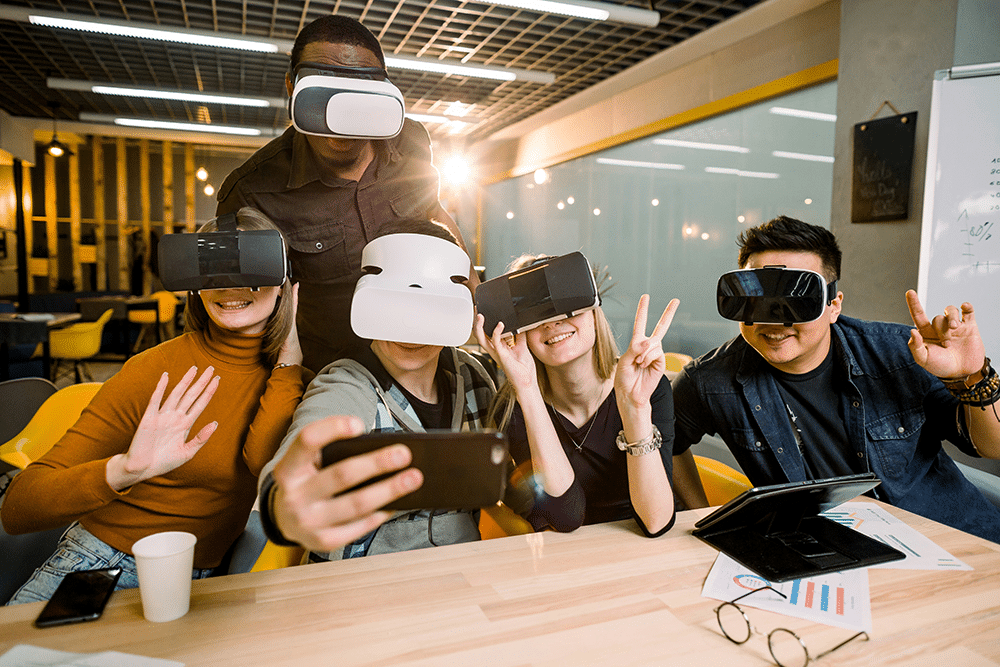
Fulldive VR serves as the primary control center to experience VR on your phone. It’s not just one app; it’s an entire virtual world created by its community. It uses old web browsers, 360-degree videos, as well as your phone’s picture gallery, and combines them into one screen that wraps around. It basically takes all the files from your old device and transforms them into a seamless virtual reality playground.
What truly pushes your old phone beyond its limits is the way the software manages multitasking. You can switch from viewing a photo in your gallery straight into a 360-degree web browser in real time without any lag. If you are looking for the absolute best Android VR apps to make your old-fashioned base of operations, Fulldive is the perfect place to start.
3. InCell VR
If you’re interested in testing the amount of activity your old smartphone’s graphics processor can handle, InCell VR is the application to download. It combines a high-speed racing game with a biology lesson. It reduces you to a minuscule size to allow you to race inside a bright human cell in 3D. The main objective is to race through cellular membranes while battling viruses that harm your body.
The app has vibrant colors, intricate forms, and high-speed gameplay that force your phone’s hardware to maintain a smooth frame rate and crisp 3D visuals. Since you can steer using your head rather than using a controller, it’s an excellent test for the phone’s internal balance sensors. It is also a great example of what old-school VR on phone gaming can accomplish.
4. VR Space Stalker
If you’d like to launch your phone into deep space, VR Space Stalker gives you an amazing 360-degree flight experience. This game puts you in the role of a pilot flying a futuristic starfighter through deep space. You must track down enemies, defend huge cargo vessels, and navigate hazardous rocks drifting through the cosmos.
One thing that sets this application apart is the simple aiming system. It allows you to lock onto your opponents simply by focusing your eyes on them and to play the entire game without requiring a handheld controller. The star-filled backdrops and fast-paced battles make your smartphone’s hardware work hard to keep everything running smoothly and sharp. It is definitely one of the best free Android VR apps for action-loving gamers.
5. Vanguard V
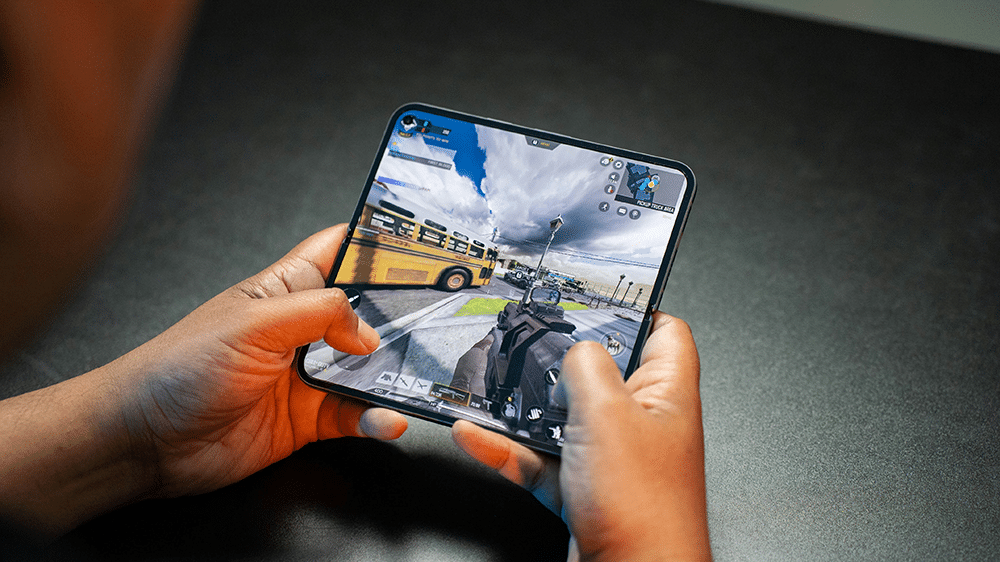
Vanguard V is a fast-paced space game where you fly through orbital debris to destroy incoming asteroids. It has stunning lighting effects, explosions, and fantastical music that make you feel like you’re in a film. It’s less like an app for your phone and more of a premium console game.
To play it efficiently, you need a phone that stays cool because it requires older graphics engines to run at high intensity. The flight paths have been precisely designed to prevent you from getting dizzy, giving you a sense of speed while keeping you comfortable. It’s a legendary time capsule, demonstrating exactly the amount of visual detail that early developers could extract using the smartphone Cardboard ecosystem.
Choosing Your Retro Gear
To make the most of these apps, you’ll need the right gear to pair with your old phone. The ideal choice will depend on your budget as well as how the headset feels on your face:
- Google Cardboard. The most affordable way to experience VR. It is constructed of real cardboard. It’s perfect for quick play and is simple to store.
- Plastic VR Headsets. More durable options featuring comfortable head straps, adjustable lenses, and soft cushioning to prolong your playtime.
- Bluetooth Controllers. Remotes for handheld devices that allow you to navigate menus and play games without touching your phone’s screen.
When you pair one of these with a dated smartphone, you’ll completely avoid overpaying for expensive modern gear. Install a few of the best free Android VR apps on your old phone today, close any open apps, and watch your old device transform into a powerful tool for exploring virtual reality.



Leave A Comment